Time and billing from the work itself
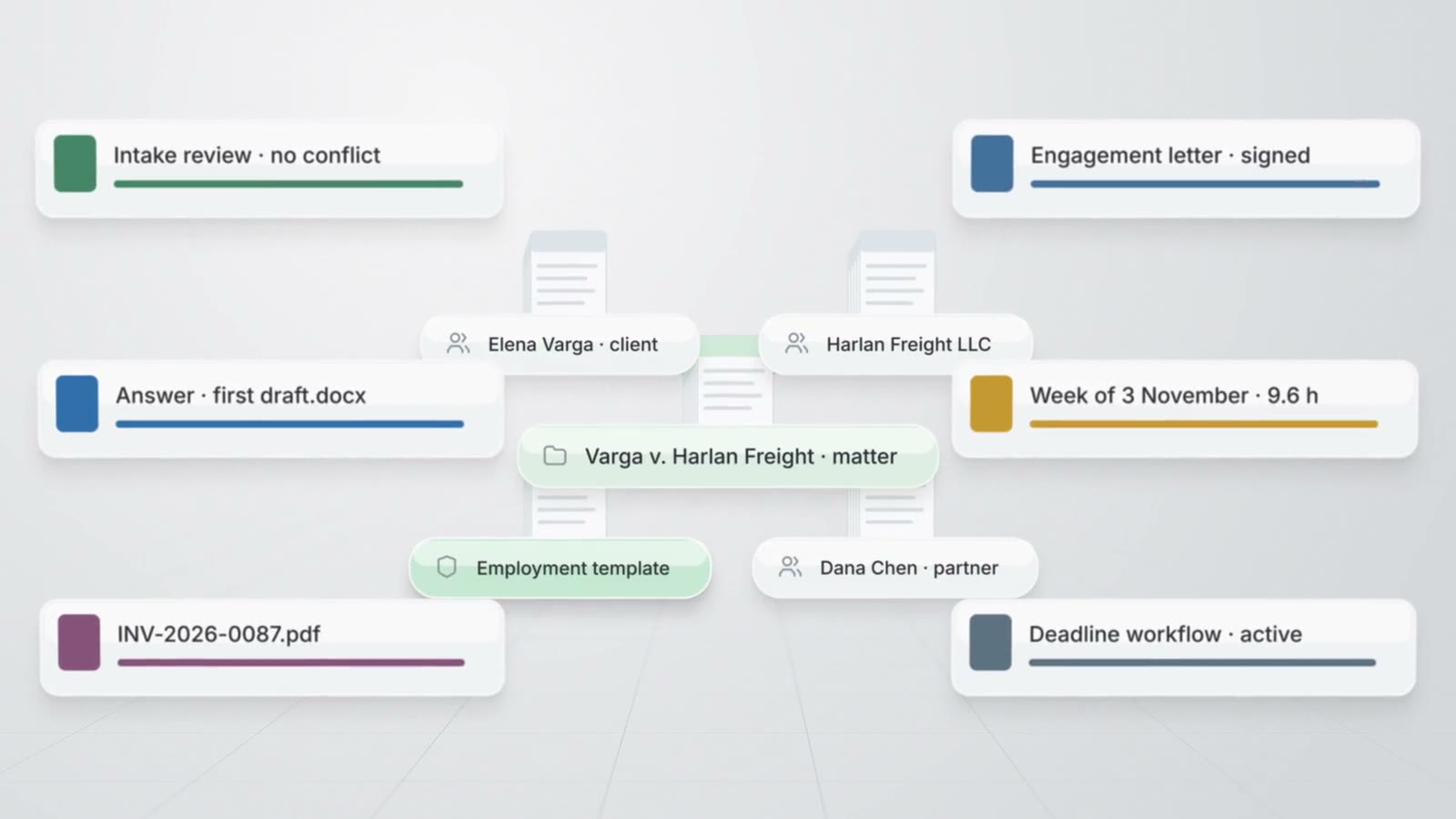
AtlasAI suggests time entries from the work of each attorney on documents and matters, runs timers on the AtlasAI server and drafts each invoice from the billable time and expenses of the matter. Every entry, budget and invoice belongs to the matter, beside the documents and the activity of the matter.
3-day free trial on one matter. No setup fee.
AtlasAI is in use at firms like Fried Frank. Agents read the matters, positions and precedents of each firm, and attorneys decide.



Timers and the week grid
A timer on every page
An attorney starts a timer on the matter header, on an open task or on a document, and the running timer stays in the sidebar on every page and in the top bar on a phone. AtlasAI runs one timer per attorney on the AtlasAI server, and the timer continues when the attorney closes the browser.
- Week and day viewsThe attorney edits time in the week grid, copies the rows of last week and reviews the entries of each day.
- Team weekFirm administrators review the week of every timekeeper against the weekly capacity the firm sets.
- Activities and incrementsThe firm sets the activities and the billing increment, and AtlasAI rounds billed minutes up to the increment.
Suggested time
Time entries from the work sessions
AtlasAI measures the work sessions of each attorney on documents and matters and proposes a time entry for each session, with the matter, the activity and the minutes. The attorney accepts, edits or discards each suggested entry in the Suggested view.
- From the documentsAtlasAI suggests time from the minutes the attorney spends on each document of a matter.
- From the mattersAtlasAI suggests time from the work of the attorney on the tasks, notes and chats of each matter.
- The attorney decidesAtlasAI enters no suggested time until the attorney accepts the entry.
Invoices from time
Invoices drafted from time and expenses
AtlasAI drafts an invoice from the billable time and expenses of a matter that no other invoice holds, up to a date the attorney selects. Issuing assigns the next invoice number, sets the issue and due dates and files the invoice PDF in the matter.
- PaymentsThe attorney enters each payment, and AtlasAI marks the invoice as paid when the payments reach the total.
- Locked entriesAtlasAI locks each entry on an invoice until the attorney voids the invoice, and a void releases the entries.
- Receivables by ageAtlasAI lists the receivables of the firm by age in Matter reports.
Rates, budgets and spend
Rates and budgets on every matter
The firm sets timekeeper rates, matter rates and the rate for each person on a matter, and AtlasAI applies the most specific rate to each entry. The attorney sets a budget for each matter, and AtlasAI compares the value of the billable time and the expenses with the budget.
- Budget alertsAtlasAI lists every matter at 80 percent of the budget or more in the attention list.
- ExpensesThe attorney enters each expense with the category, the vendor and the amount in cents.
- Spend reportAtlasAI groups expenses by vendor, category, matter or month, for firms and legal departments.
Related pages
Practice management
Matters, client intake, time, billing, workflows and reports on the knowledge graph of the firm.
Read more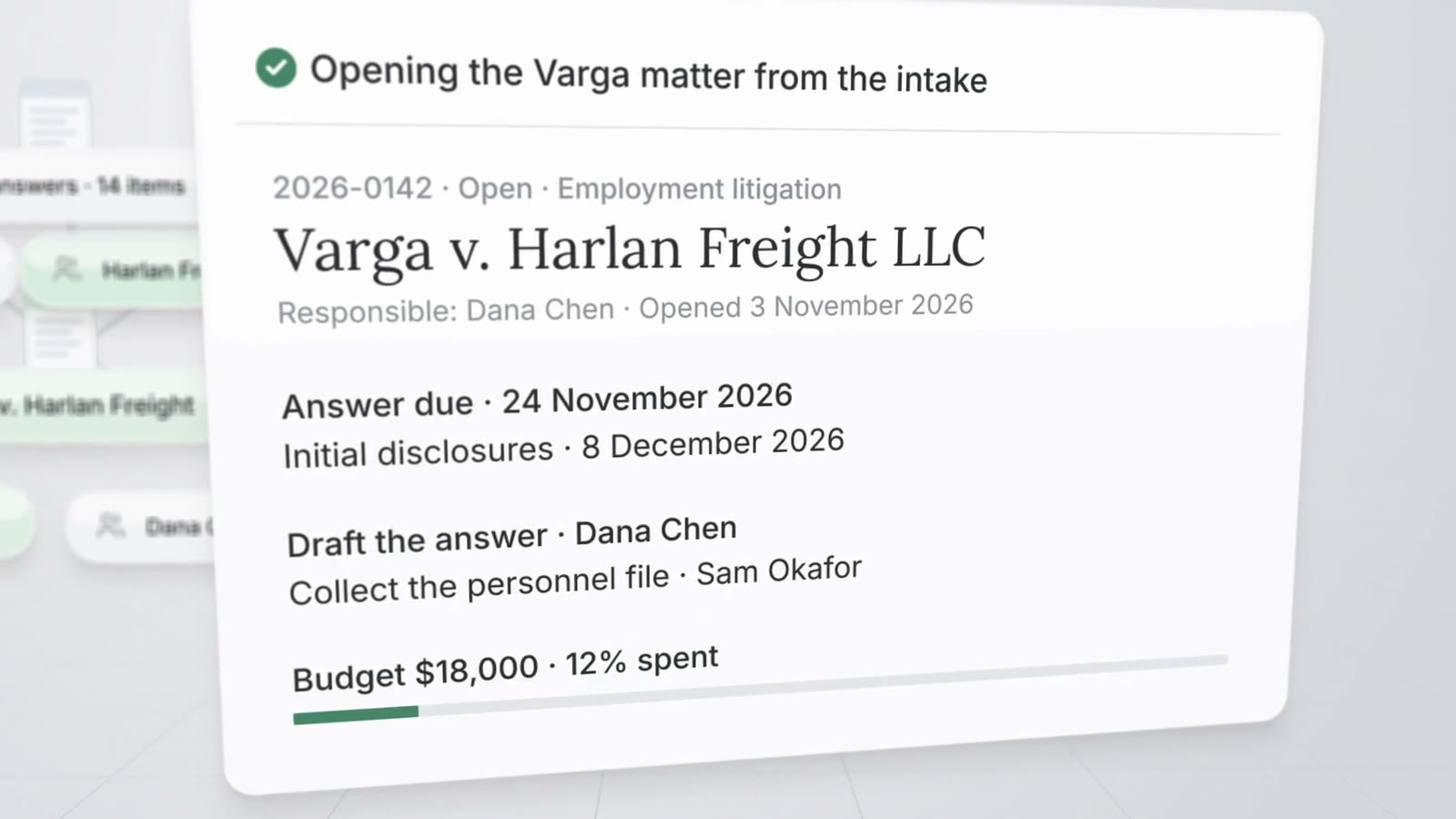
Matter management
Matter pages, the register, templates, tasks, key dates, legal holds and the firm calendar.
Read more
Per-user pricing for legal teams
AtlasAI prices every plan per user and includes a 3-day free trial on one matter.
Read moreTime and billing questions
How does AtlasAI suggest time entries?
AtlasAI measures the work sessions of each attorney on documents and matters, and proposes a time entry with the matter, the activity and the minutes. The attorney accepts, edits or discards each suggested entry.
Can an attorney run more than one timer?
No. AtlasAI runs one timer per attorney, and a new timer stops the running timer.
How does AtlasAI round time?
The firm sets the billing increment in the time settings, and AtlasAI rounds billed minutes up to the increment.
How does AtlasAI create an invoice?
AtlasAI drafts the invoice from the billable time and expenses of the matter up to a selected date. The attorney issues the invoice, AtlasAI assigns the invoice number and files the PDF in the matter, and the attorney enters each payment.
Can a legal department track outside counsel spend?
Yes. The legal department enters each outside counsel invoice as an expense with the vendor, and AtlasAI groups the spend by vendor, category, matter or month against the budget of each matter.
Which plan includes time and billing?
AtlasAI Professional includes time and billing at $99 per user per month, with a minimum of 5 users. Every plan starts with a 3-day free trial on one matter.